Restaurant Billing & Order Management System · for Cafés & small restaurants
Table-side billing for a café or small restaurant, on a phone or tablet
Start an order on a table, add items as the customer orders, close it as a tax-inclusive bill and the table frees itself. A sales report by date range and a top-items list tell you what sold. Deliberately small: a single location's front-desk workflow, nothing you will not use.
One-time payment · full source code · instant download · optional installation add-on · non-refundable
Sound familiar?
- POS subscriptions and hardware bundles are sized for chains, not a twelve-table café.
- Hand-written bills mean the day's total is a guess until the notebook is added up.
- Nobody knows which items actually sell, so the menu never changes.
- An order edited after payment quietly changes the day's numbers.
How it works
- 1
Set up the menu and tables
Add categories and items with prices and your tables. The install ships with sample categories and tables so you can see the flow in minutes; the tax rate is one setting.
- 2
Take orders
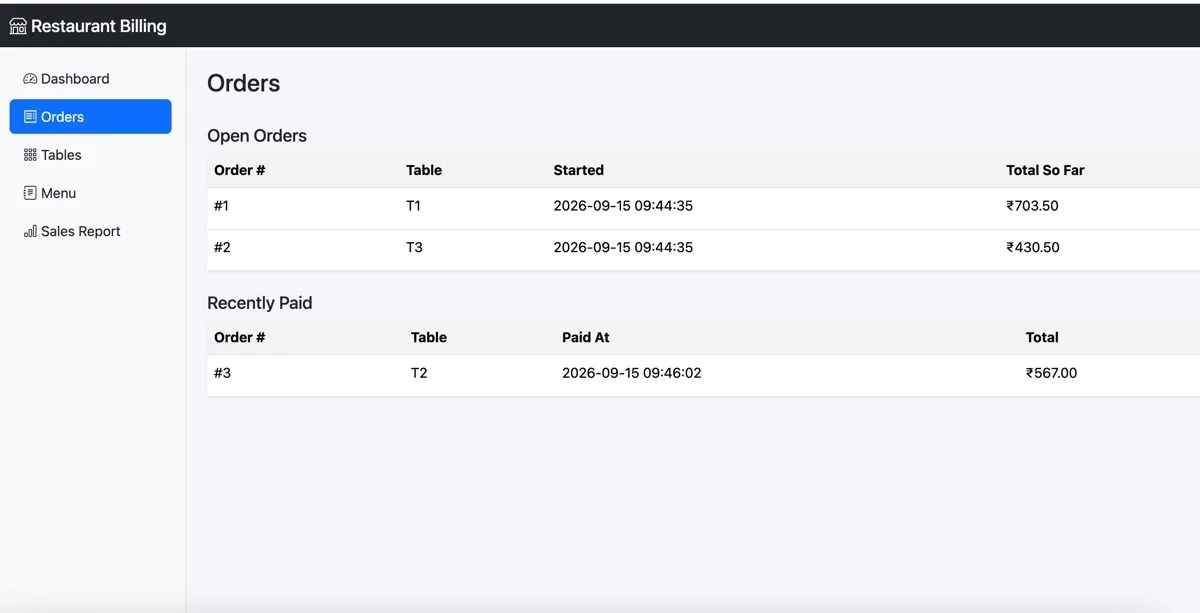
Starting an order occupies a table; add or remove items while it is open and the subtotal, tax and total recalculate on every change. Works from the phone or tablet at the counter.
- 3
Close and report
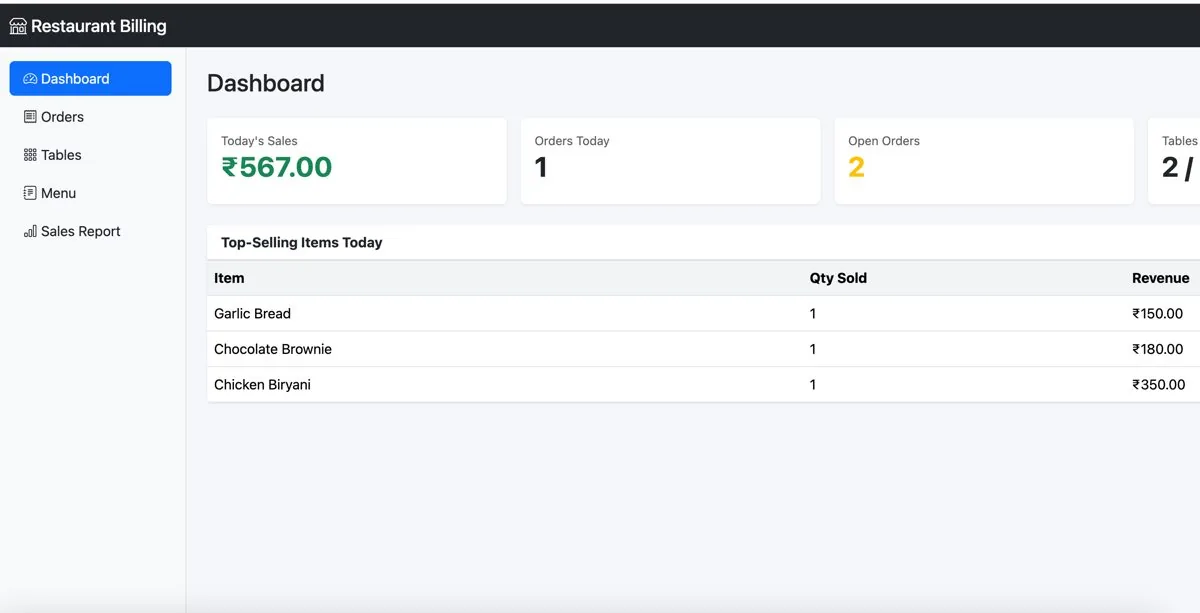
Mark the order paid: it locks and the table returns to available. The reports page gives sales by date range and the top-selling items.
Nothing is changed in your ad accounts automatically: every recommendation is approved and applied by you, and drafted campaigns arrive paused.
What you get
- Menu categories and items; tables with live occupied/available status
- Orders with multiple items, automatic subtotal, tax (default 5%, configurable) and total; paid orders lock
- Date-range sales report and top-selling items
- Plain PHP + MySQL that runs on almost any shared hosting plan or a PC with XAMPP
- CSRF protection, login lockout, hashed passwords, prepared statements
- Full source code, one-time purchase — add what your café needs
Screenshots
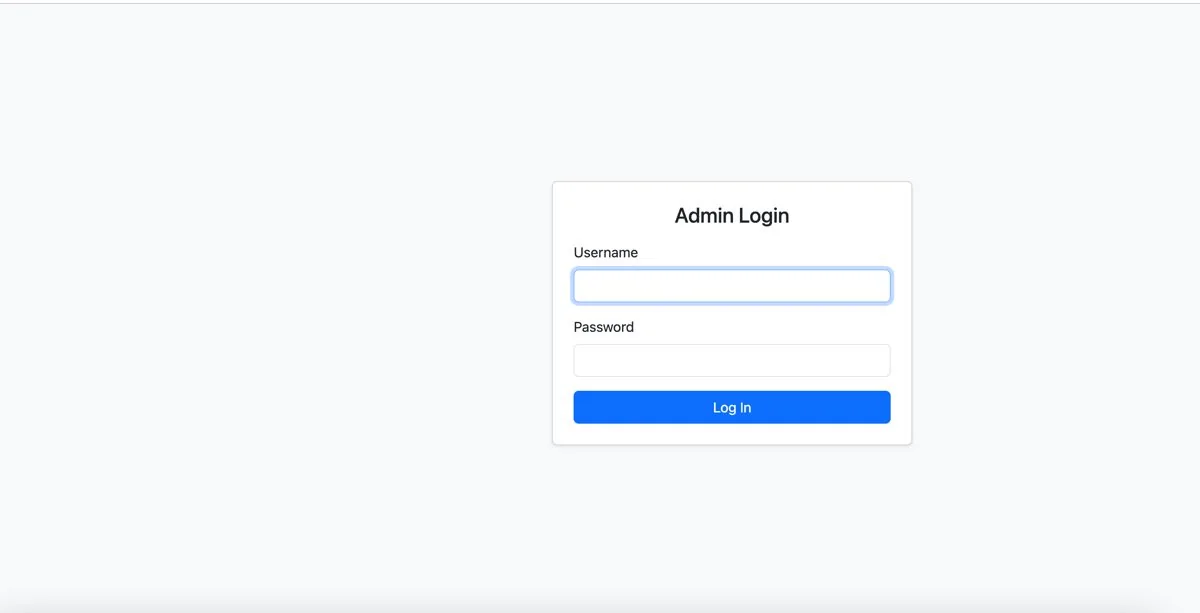
From the application itself, with sample data.
A good fit if… and not if…
Good fit
- Cafés, canteens and small restaurants with one location
- Owners who want totals and top items without a POS contract
- Developers building a client's first billing system (Regular licence covers it)
Not the right tool when
- Receipt-printer or POS-hardware integration (an ESC/POS bridge would be a separate integration)
- Online ordering, delivery apps or kitchen display routing
- Multiple locations or stock/inventory management
Questions cafés & small restaurants ask
Does it print bills?
It shows the bill on screen; your browser's print function works for a plain printout. There is no receipt-printer integration in this edition — that needs a separate ESC/POS print bridge.
Can I change the tax rate?
Yes. The default is 5% and is set in config.php; it is also editable per order in the database.
Does it handle GST invoices?
It produces a tax-inclusive bill with your configured rate; it is not a GST filing or invoice-numbering system.
Will it run on my hosting?
It is plain PHP + MySQL with no framework. Tested end to end on PHP 8.5 with MySQL 8.0; checked for PHP 7.4–8.5 compatibility with a static tool, so test on your host before going live.
Can staff use their own logins?
There is one administrator login in this edition.
Can I see it before buying?
Yes — preview pages with sample data. The full system is in the download.